May 14, 2026
We built a Figma plugin
so files explain themselves.
Every Figma file drifts into a guessing game. Which page is final? Who owns it? What is blocking it? Bttr. Badge puts the answer on the canvas.
A Figma file with forty pages tells you almost nothing about itself. The work is all there. The state of the work is not.
Every team has felt it. You open a shared file and you cannot tell which page is final, which one is abandoned, and which one shipped three weeks ago. The truth lives somewhere else. A Slack thread. A standup. The one person who remembers.
The file is the source of the design. It was never the source of truth about the design.
So we built the missing layer. Bttr. Badge is a Figma widget that puts a persistent status label on every page in the file. Status, owner, version, and the current blocker, written in plain language, visible in the sidebar and directly on the canvas.
What it looks like
One label, six states, from Design in Review through Shipped. Tap a phase to move the work forward. The whole team reads the same thing the moment they open the file.
Pricing Page
Tap a phase to advance the status
What every page carries
- 1Status. Six phases from Design in Review to Shipped. One glance tells you whether the page is a draft, a decision, or done.
- 2Ownership. A name and an avatar. No ambiguity about who to ask, and no asking the wrong person.
- 3Version. The page declares which iteration it is. The file stops contradicting itself.
- 4Blocker. The thing standing between this page and the next phase, written in plain language, sitting on the work itself.
The best status update is the one nobody has to give.
Why it matters
The widget is small. What it removes is not. When status lives in the file, an entire category of coordination disappears. The thread asking which frame is real. The standup that exists to recite progress. The handoff doc that is stale before anyone reads it.
Before Badge
Status lives in memory and Slack. The file looks the same whether a page is final or abandoned. Every reviewer asks the same questions.
After Badge
Status lives on the canvas. The file answers its own questions. Reviewers spend their attention on the work, not on locating it.
Tools should not need a meeting
to explain what they contain.
Share this perspective
More insights
Perspectives on product design, technology, and the forces shaping how people interact with the things we build.
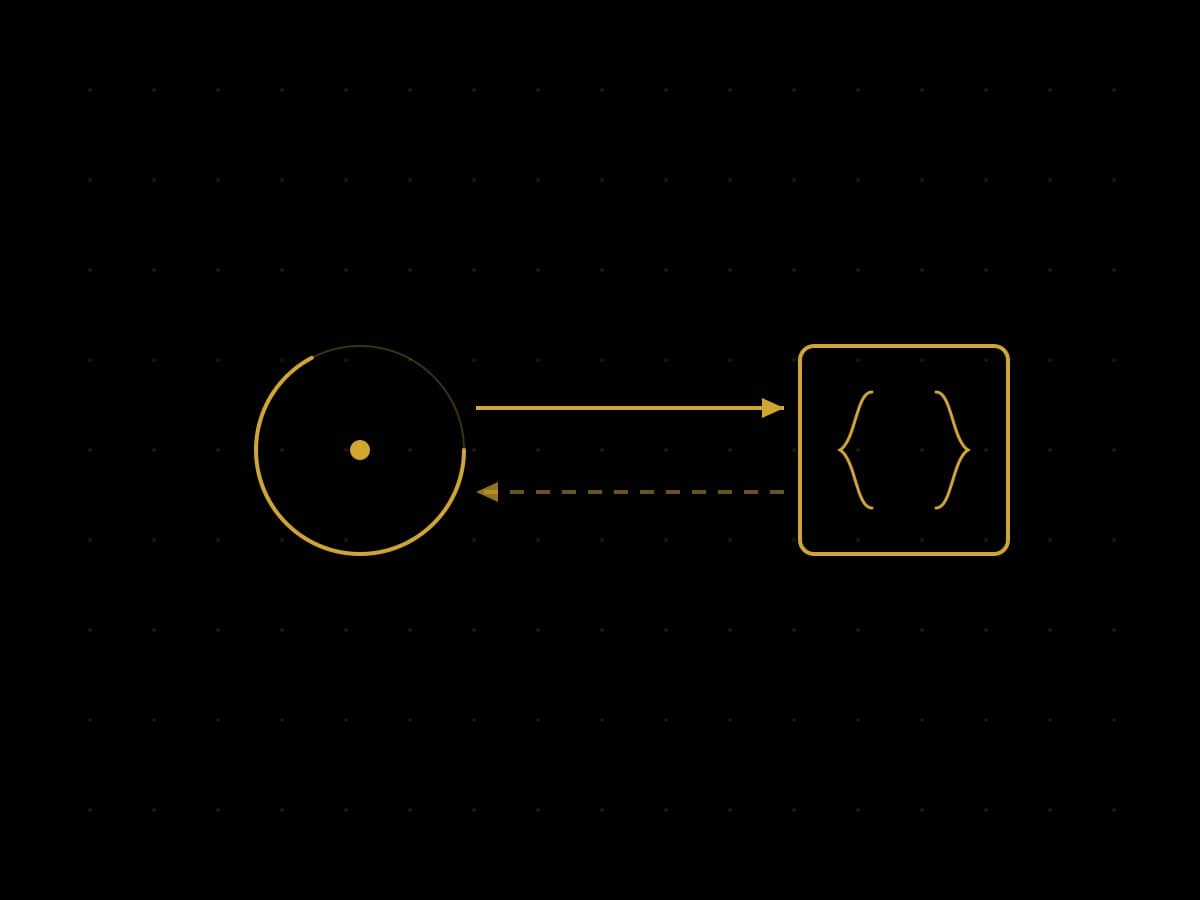


Every page carries its own context.
Status, ownership, blockers, and versioning, embedded directly into the work. Add Bttr. Badge to Figma and the file starts explaining itself.